
The Best Online Form Builder Free Options for Your Small Business
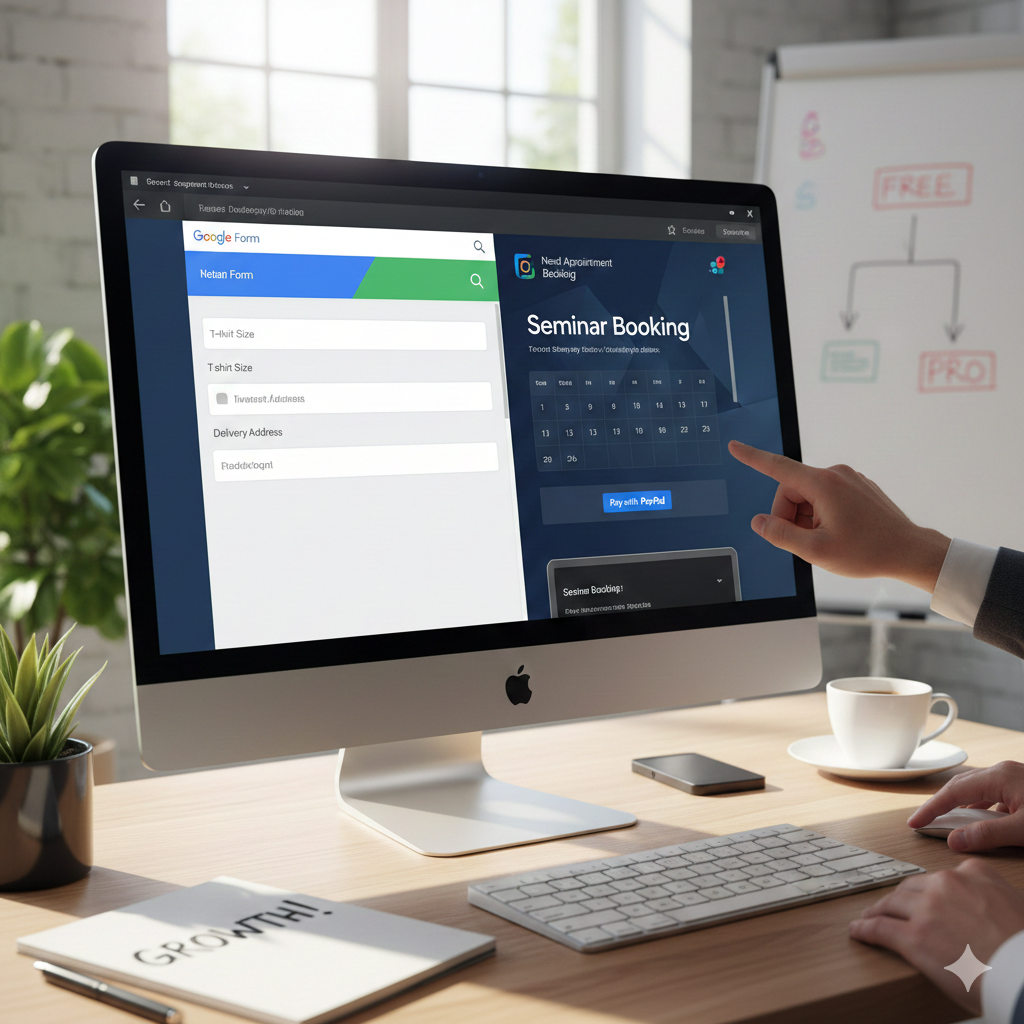
When you are launching a new project, starting a small business, or organizing an event, every dollar in your budget matters. You don’t always need a high-end enterprise subscription to collect data. A solid online form builder free version can get you off the ground and running in minutes.
However, as a seasoned user of these tools, I’ve found they are a double-edged sword. They are the perfect “starter kit,” but they eventually hit a ceiling. Let’s look at how to maximize these free tools and when you’ll know it’s time to move to a professional setup.
Why Every Business Starts with a Free Form Builder
For small business owners, employees, or event coordinators, the goal is speed. You need to gather info without a complex setup. A free online form builder is excellent for:
-
RSVP Forms: Quick headcounts for seminars or workshops including attendee info and descriptions.
-
Simple Order Forms: Selling T-shirts or parcels where you need to collect sizes, quantities, and delivery addresses.
-
Customer Feedback: Basic contact forms to bridge the gap between you and your clients.
The “Wall”: Limitations of Free Tools
While an online form builder free of charge is great for basics, businesses often run into “The Wall.” In my experience, these are the common pain points that can hurt your brand:
-
Layout & Customization: You are often stuck with generic colors and fonts. If you want your form to look professional and branded, free versions are very limiting.
-
Booking Conflicts: Most free tools lack “inventory logic.” This leads to the nightmare of double-booking appointments or overselling a limited product.
-
Payment & Invoicing: While you can collect data, seamless one-click checkout with Stripe or PayPal is usually locked behind a premium paywall.
Tutorial: How to Use Google Forms for Work
Google Forms is the most reliable online form builder free option for work-related tasks. It’s simple, but powerful if you know these steps:
Create a T-Shirt or Seminar Order Form:
-
Start with a Template: Go to Google Forms and select the “Order Form” or “Event Registration” template.
-
Add Product Options: Use Dropdown or Radio Button tools for “Size” (S, M, L, XL) or “Workshop Session.”
-
Collect Details: Use Short Answer or Paragraph boxes for delivery addresses or specific attendee questions.
-
Set Up Notifications: Click the “Settings” tab -> “Responses” and toggle on “Collect email addresses.” This allows you to manually email an invoice or payment link later.
-
Automate the Data: Click the green “Link to Sheets” icon. This creates a live spreadsheet of every order or sign-up as it happens.
Comparison: Free Forms vs. Professional Booking
| Feature | Free Online Form Builder | Professional Booking Site |
| Double Booking | High Risk (Manual check) | Zero Risk (Auto-sync) |
| Payments | Manual / External Links | Instant Stripe/PayPal Integration |
| Customization | Basic/Generic | Full Brand Control |
| Automation | Very Low | Automated Reminders & Invoices |
Ready to Move Beyond Basic Forms?
Free forms are a great place to start, but they shouldn’t be where you stay. If your business is growing and you are tired of manual scheduling, messy layouts, and the risk of double-bookings, it’s time for a professional solution.
At Need Appointment Booking Site, we help you bridge that gap. We create professional, high-converting booking platforms that handle the heavy lifting—from automated scheduling to seamless payments.
Stop fighting with basic forms and start growing your business:
Website: Contact Us – Need Appointment Booking Site
WhatsApp: +8801679502830
Email: rahman22ts@gmail.com